Startupizer 2
-
powerful login items handler
Requires Mac OS X 10.9 or later. Trial is not time limited, but will use long delays and occasional nag.
Important announcement: As of september 1st 2019, Startupizer is no longer available for sale and there are no further updates planned. I will continue to do my best in supporting it, as I did so far and it should work fine. But it may stop working if future macOS update introduces unforseen breaking changes.
Overview
Startupizer 2 is advanced yet simple to use login items handler. It greatly enhances built in OS X login items functionality by offering conditional startup and dependencies management. This results in just the subset of applications and documents you need at a given time. Because it doesn't launch all the items you don't need, it also reduces time required for starting your computer!
- Make sure dependent items are launched in proper order.
- Ensure consistent order of menu bar icons.
- Customize login items launch order.
- Speed up your login process.
- And more...
Features
Easy items management
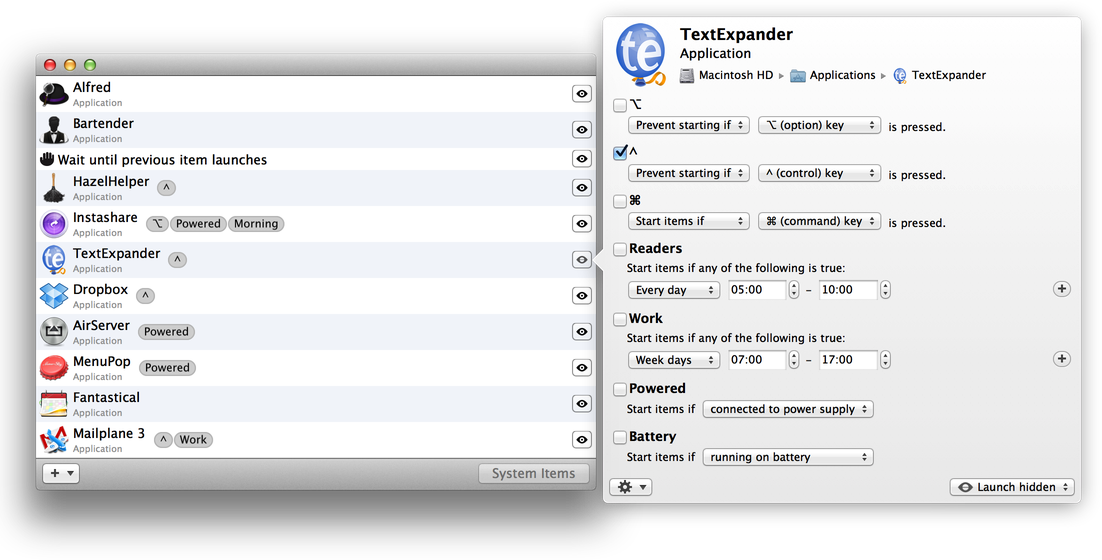
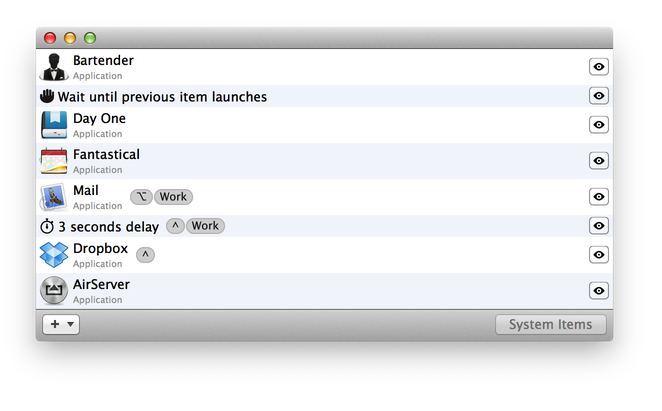
Startupizer's items list presents nicely packed information about an item, including larger icon for easier identification. You can change items execution order by simply dragging them around. You can add new items by importing from System Preferences, dragging from Finder or using new item button on the form.
Customizable execution
Startupizer 2 gives you many options to customize execution to your liking. Besides changing execution order, you can optionally delay the whole execution or insert delays just between individual items. You can also instruct it to wait until previous item finished launching to make sure dependent items are launched in sequence.
Powerful startup conditions
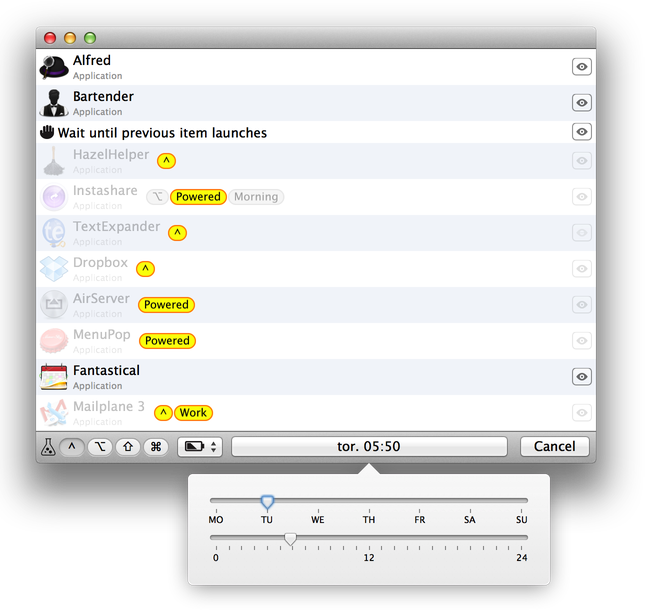
Startup conditions define a set of rules that act as a filter preventing or allowing execution of items. You can conditionally start items based on time in day, day in week, modifier keys state and whether the computer is plugged in or running on battery. And new in version 2: you can simulate various launch parameters to verify it works as intended!
Know what's going on
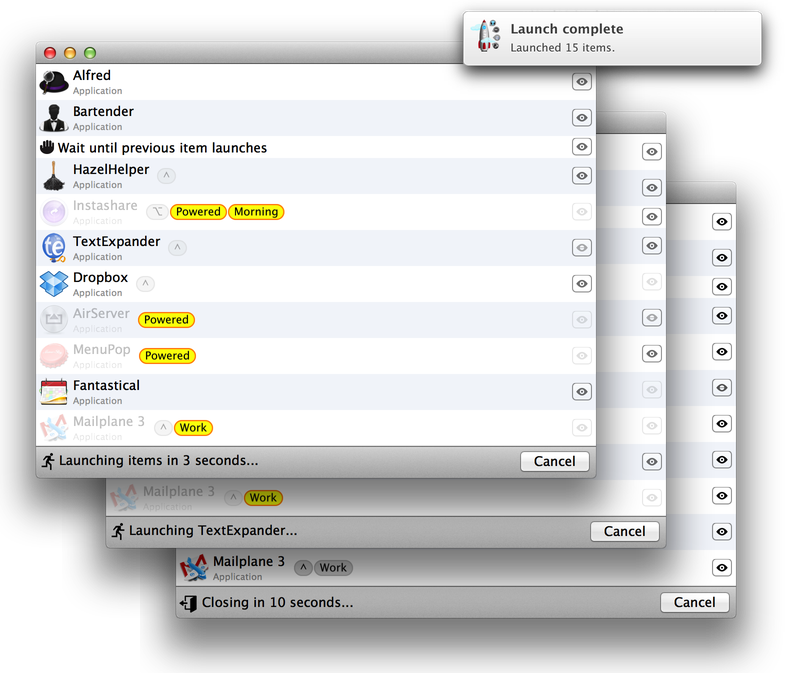
Startupizer 2 does its best to keep you informed of what it's doing without interfering with your work. Status changes are clearly displayed in bottom bar. And if it needs your attention, it gently notifies you. It also integrates with Mountain Lion notification center for unobtrusive notes about launch.